
What it is, and who it suits
Loop is a workflow step with a dashed box. Whatever steps you put inside the box run once for each item in a list, or once for each number in a range. Steps outside the box run once, as normal. It suits anyone whose enquiries arrive with several things in them: a home services quote with four jobs, an order with several products, a group booking with several names.
Sequential or parallel
Sequential finishes one item before starting the next, which is safest when order matters or each step depends on the last. Parallel runs the items at the same time, which is faster for independent jobs like creating separate tasks.
Loop over a list when the data arrives with several items. Loop over a range when you just need something done a set number of times. If each item really needs its own long follow-up, send each one into its own workflow instead.
Loop over a list
Add the Loop
Open the workflow, click + where the repeat should start and choose Loop.
Automations› Workflows› a workflow› +› Loop2 See it on the App map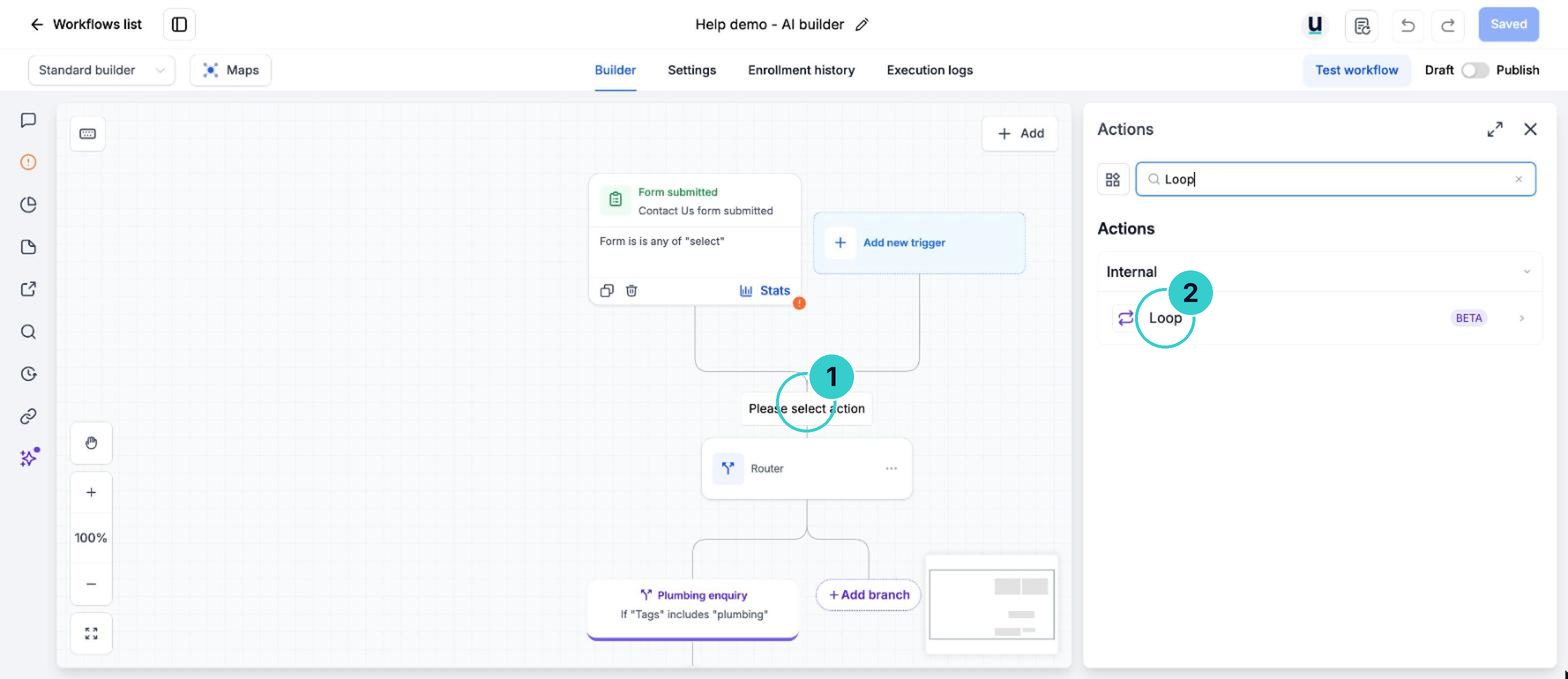
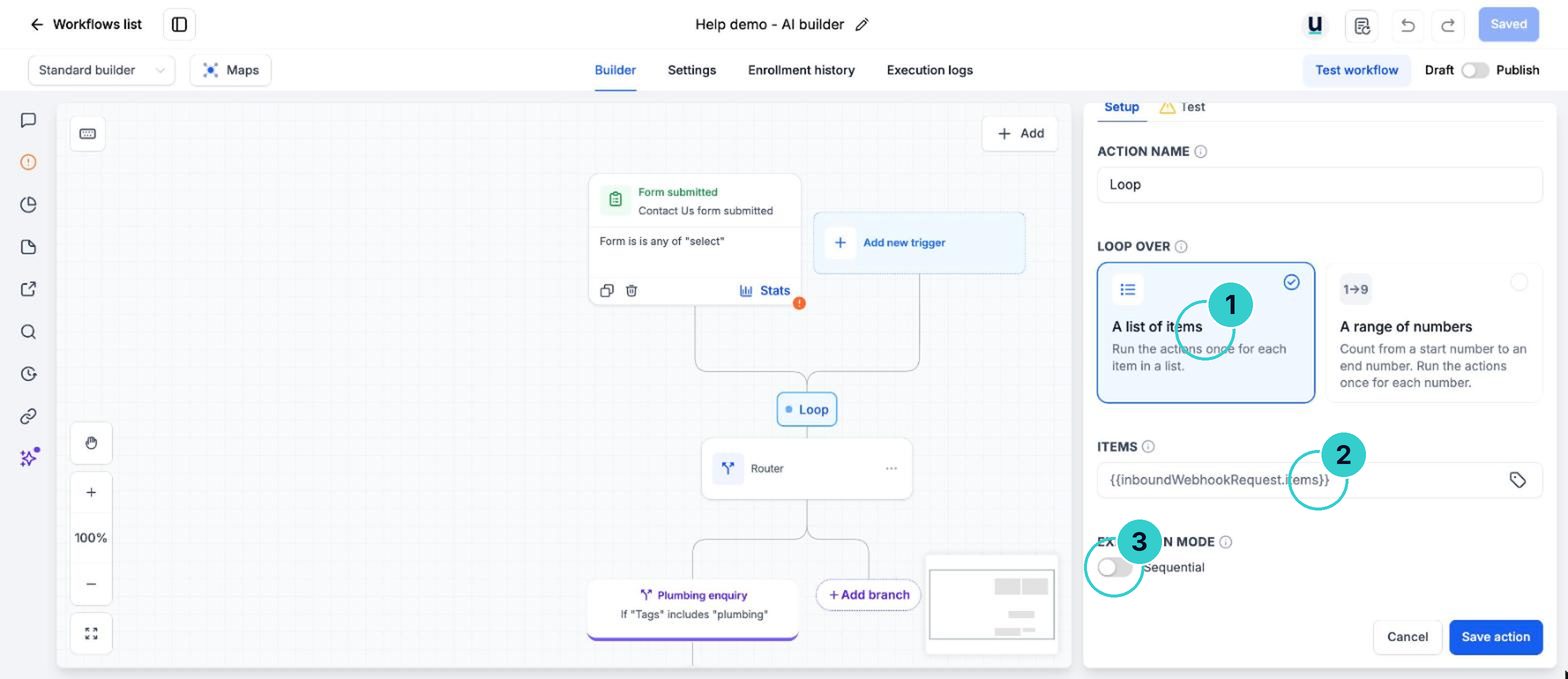
Point it at the list
Choose the list to loop over, for example the services array your inbound webhook received. Pick Sequential or Parallel.
Put the steps inside the box
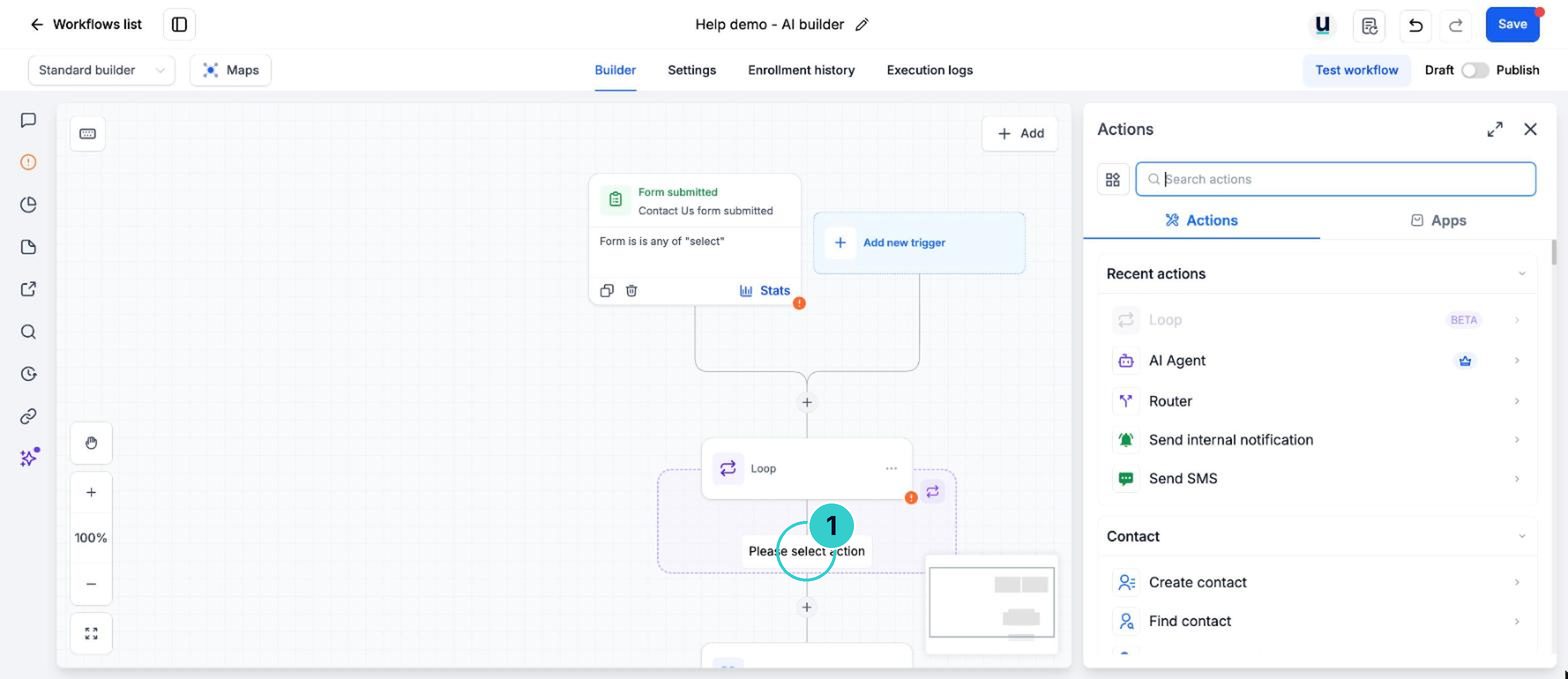
Add the steps that should repeat inside the dashed loop box: Create opportunity, Add task, Add note. Only steps inside the box repeat.
Map the current item
In each step, use Custom values > Loop Item to drop in the item being worked on, such as its name or price.
Task titleQuote this service for SarahShown with example details. Copy pastes the version that fills in your own business and each customer's name by itself.
tipLoop Item is picked from the custom values menu in each step. It changes for every pass of the loop.
Test it
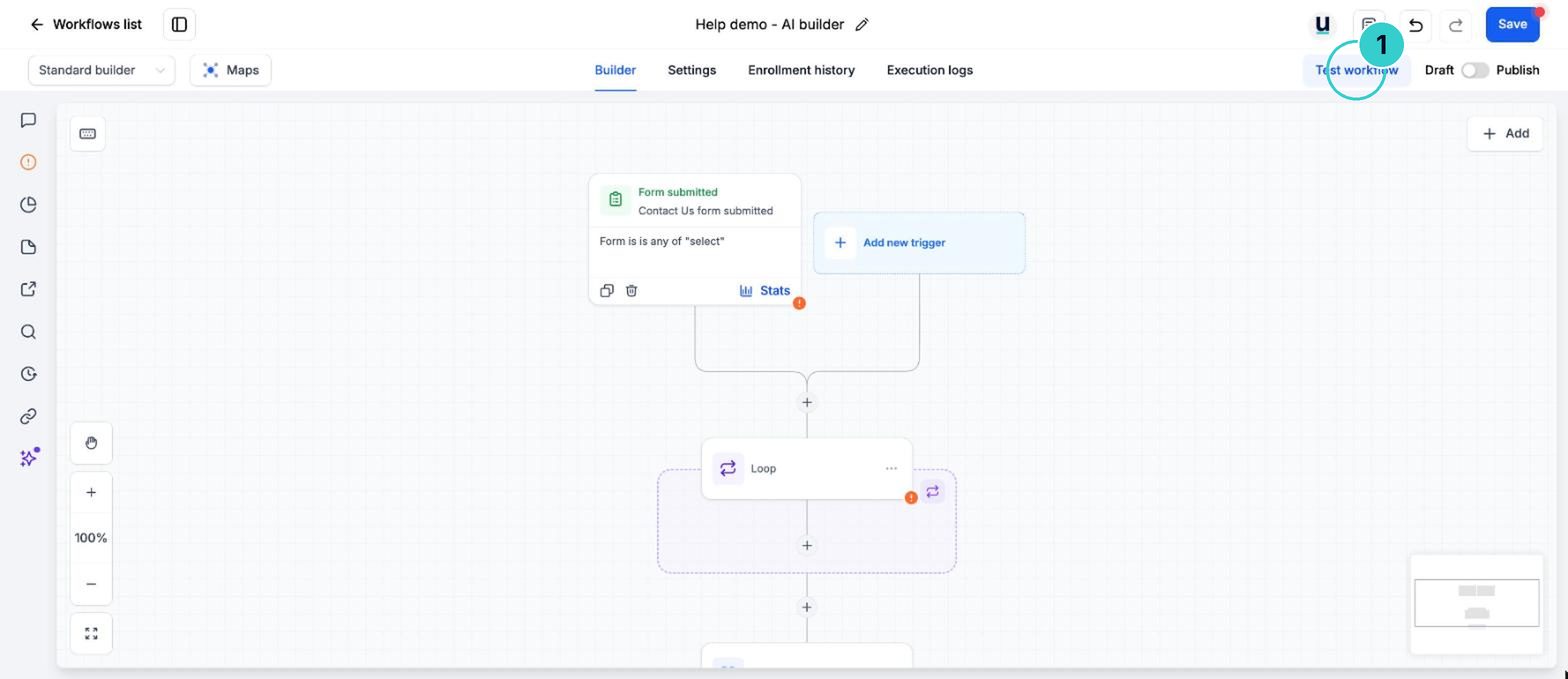
Use Test workflow. The test tab shows every pass of the loop, so you can check each item did what you expected. Then Publish.
Each item in the list gets its own job, task or note, without you building a step per item.
Next up
People who did this also asked
Send one contact down several paths at once (Router)
A form with three services ticked tells all three teams, in one workflow. Router runs every branch that matches, not just the first.
- 1Open the workflow
- 2Add the Router
- 3Name each branch and set its rules
Connect another app with a webhook
Send data in from another tool (or out to it) when there's no ready-made integration.
- 1What a webhook is
- 2Data in
- 3Data out
Move jobs through your pipeline
Stages like Enquiry, Quoted, Booked, Done. Move cards by dragging, from the record, in bulk, or let a workflow do it.
- 1Open the board
- 2Add a card
- 3Drag it along
Why isn't my workflow working?
Eleven things that quietly stop automations, most likely first, and how to check each in a minute.
- 1How a workflow runs
- 2It's still a draft
- 3Check Enrollment History