
What it is, and who it suits
AI Video Generation makes a short clip (4, 6 or 8 seconds) from a written prompt, in 720p or 1080p, landscape or portrait, with optional sound. You can give it up to 3 reference images, like your shopfront or a product. It suits salons, tour operators and anyone who wants a quick personal touch after a booking. Each clip costs a little, charged to your wallet.
Where the video goes
The clip is saved in Media Storage and comes back as a public web address. Anyone with the link can watch it without logging in, so never put a customer's personal details in the prompt or the video.
Use the workflow step when every new booking or customer should get a clip automatically. Use Creator Studio for a one-off clip you want to look at and download.
In a workflow
Add the step
Open the workflow, click + and choose AI Actions > AI Video Generation.
Automations› Workflows› a workflow› +› AI Actions› AI Video Generation2 See it on the App map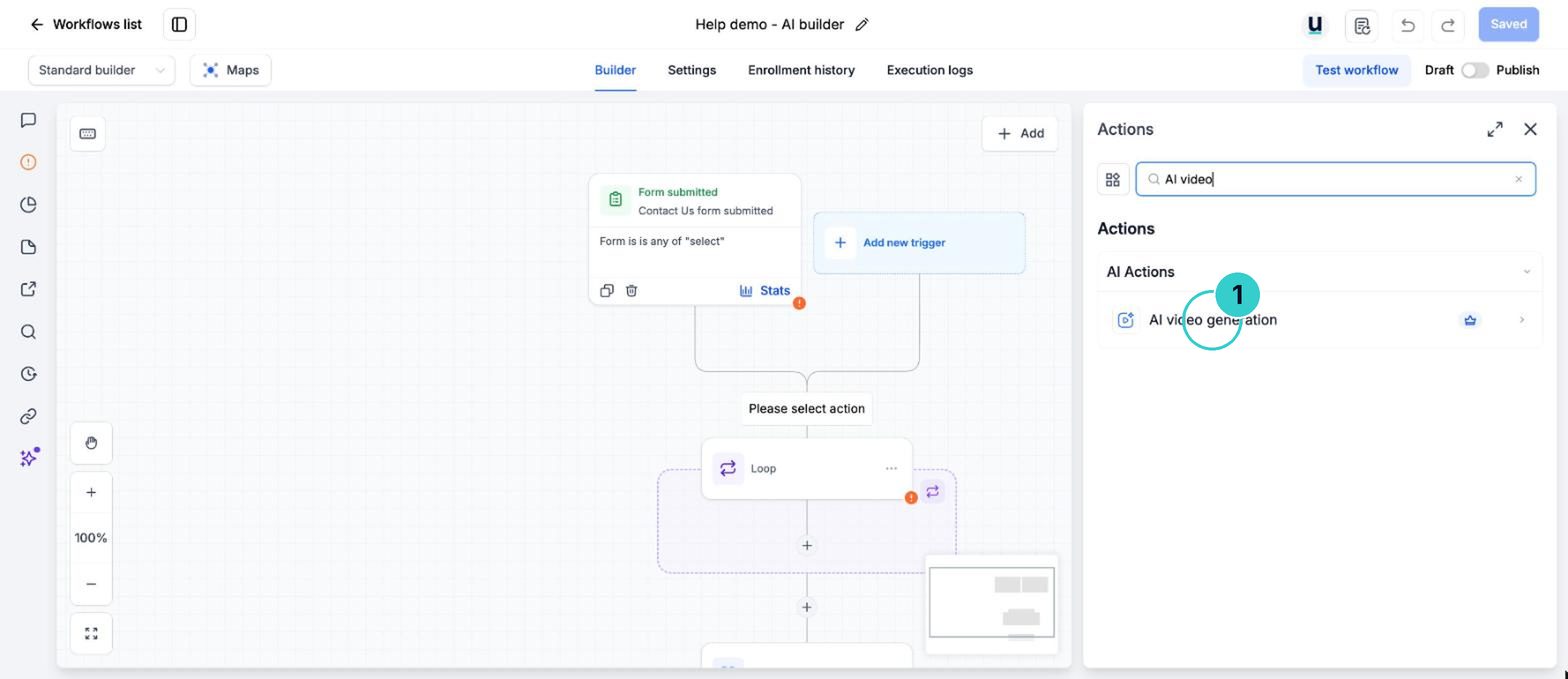
Write the prompt and pick the settings
Describe the scene. Choose Quality (best look) or Fast (cheaper and quicker), the length, 720p or 1080p, landscape or portrait, and whether to add sound. Adding reference images always makes an 8 second clip.
PromptA warm, bright hair salon in the afternoon. A stylist finishes a blow-dry and turns the chair to the mirror. Gentle camera move. No text on screen. Portrait.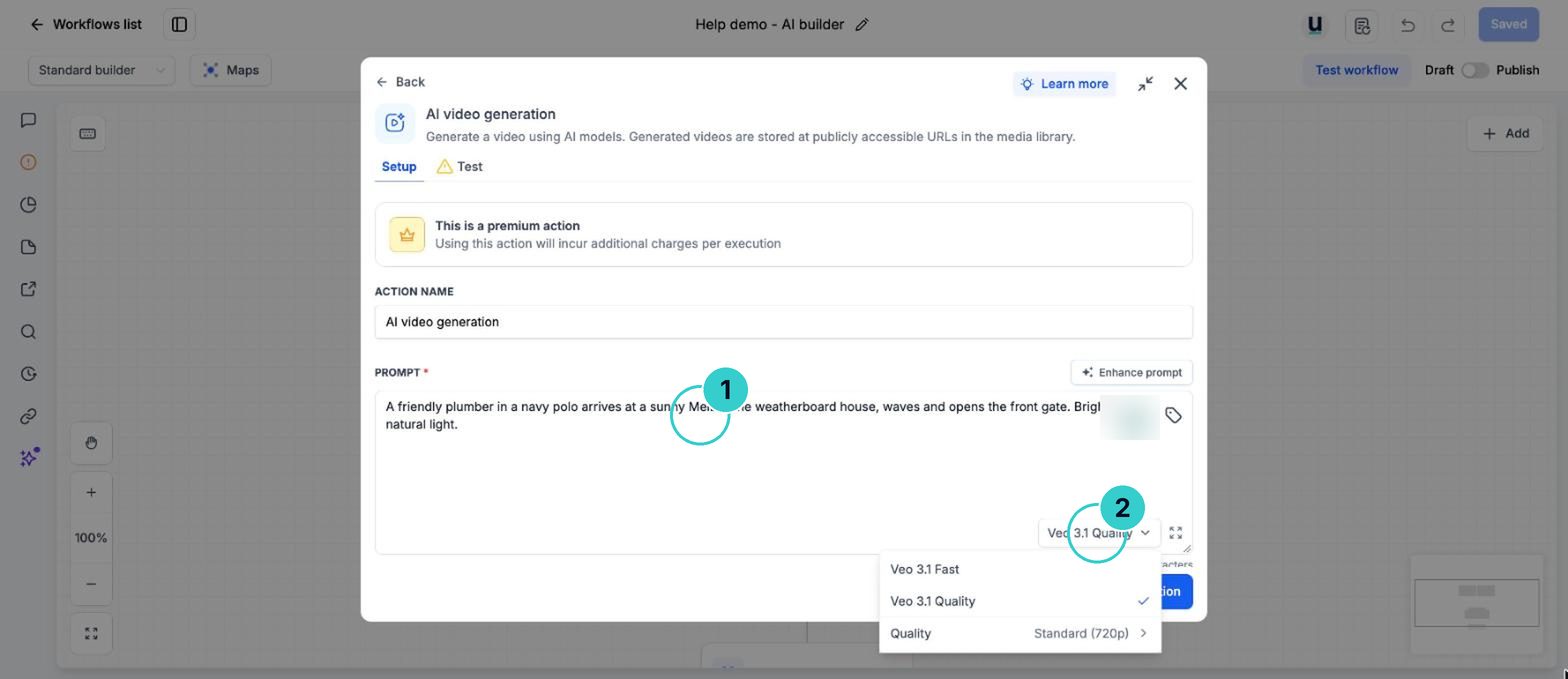
Send the link
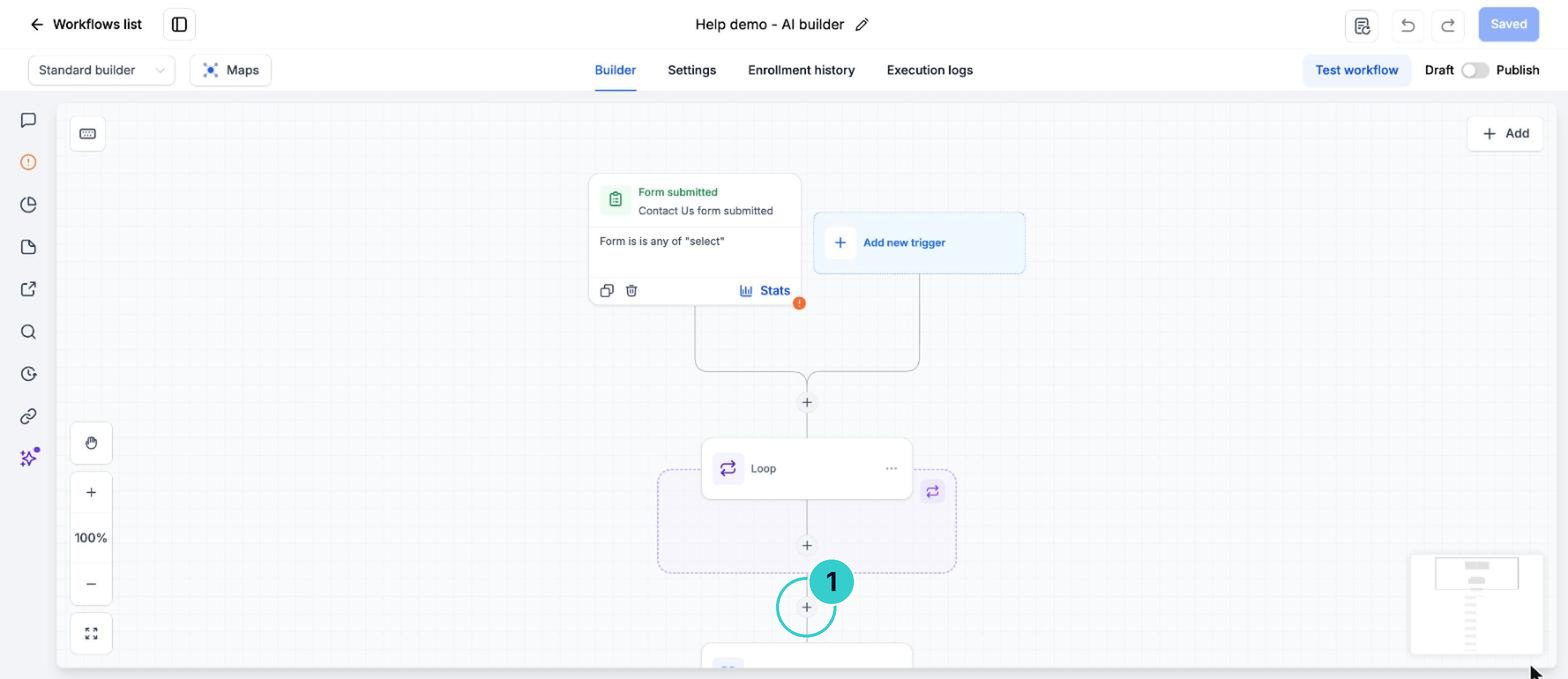
Add a Send SMS or Send Email step after it and drop in the video's web address from the previous step.
TextHi Sarah, thanks for booking with Northside Plumbing. Here's a little something before your visit: [video link]. Reply STOP to opt out.About 135 characters, 1 text per person. Check the costType your own details over the [ ] parts. This text goes into an AI prompt or a page, where merge fields don't fill in.
Shown with example details. Copy pastes the version that fills in your own business and each customer's name by itself.
Test on yourself
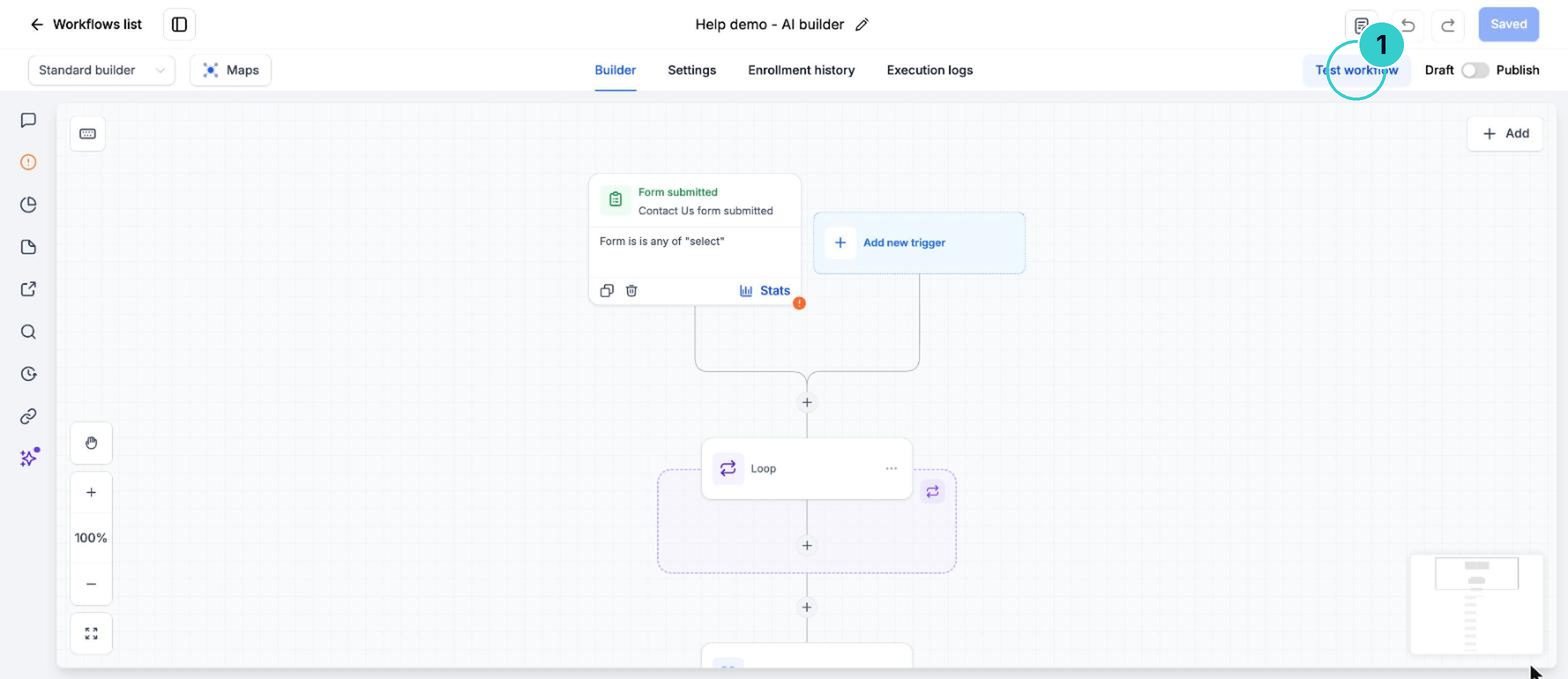
Test the workflow on your own contact, watch the clip, then Publish.
A short clip made from your prompt, saved in Media Storage and sent to the right people.
Next up
People who did this also asked
Have AI watch a customer's video or photo and write it up
A customer sends a video of the leak or a photo of the damage. AI describes it into a note or field so you know what you're walking into before you call.
- 1Add the step
- 2Point it at the video and ask your question
- 3Save the answer
Use an AI agent inside a workflow (with web search)
Let AI read a lead, look things up, decide and write the reply mid-workflow. Pick the agent step, a one-job AI step or a managed agent.
- 1Add the AI Agent step
- 2Write the instructions
- 3Turn on the tools it needs
Write posts, emails, blogs and images with Content AI
Content AI is the writing and image helper built into the social planner, email builder, blogs, funnels and inbox.
- 1Where it lives
- 2Give it a proper brief
- 3Make images
Usage charges, explained
Why texts, calls, email and AI show up as usage, and where to see your balance.
- 1What usage is
- 2See the rates
- 3Check your balance